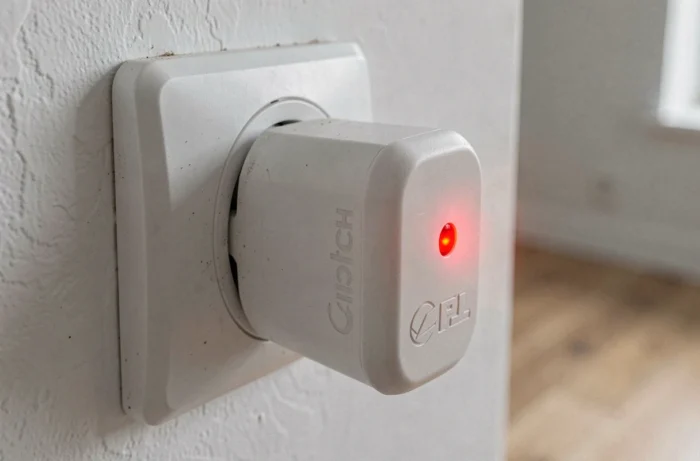
Powerline adapters (power line communication, or PLC) use your home’s electrical wiring to carry an internet signal from one room to another. When a red light appears on one of these devices, it most often indicates a degraded connection between the two adapters, not necessarily a complete failure. The exact meaning of the light varies by manufacturer and model: TP-Link, Devolo, and Netgear do not use the same color codes or blinking patterns.
Electrical circuits and powerline signal quality: what the red light really measures
A red light on a powerline adapter does not indicate a simple working-or-broken status. It generally means that the data rate between the two adapters has fallen below a critical threshold. This threshold depends on the device’s firmware, and the light may change from green to orange and then red as the connection quality deteriorates.
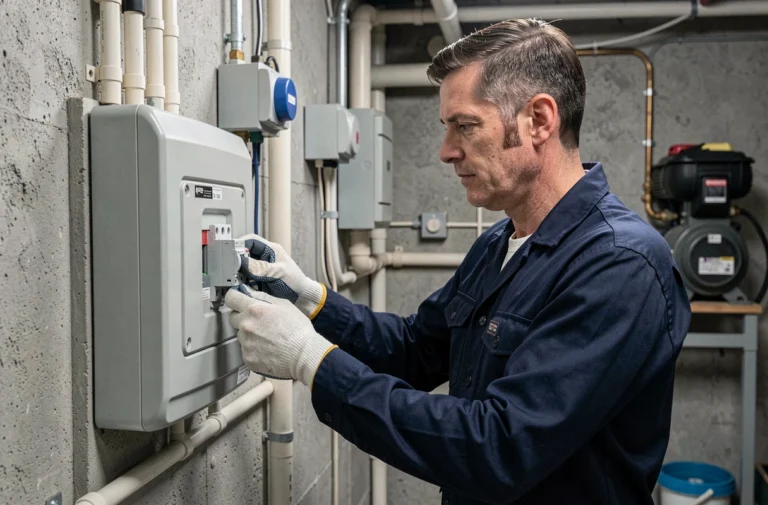
The key factor is not the physical distance between the two outlets, but the actual path electricity takes through your home’s wiring. Two outlets in the same room can produce very different results if one is on a circuit protected by a separate residual-current circuit breaker, or if the wiring runs through a secondary electrical panel.
Devolo notes in its documentation that one outlet may work correctly while another, even a nearby one, shows a red light. Testing several wall outlets in the same room can help distinguish a circuit issue from a hardware fault. This detailed guide explains how to fix a red light on a powerline adapter by ruling out possible causes one by one.
Electrical interference on a powerline adapter: identify the device causing it
A red light that comes and goes at different times of day almost always points to a source of electrical interference. TP-Link notes that powerline data rates vary depending on electrical interference, network traffic, and circuit conditions.
The devices most likely to cause interference are those that generate high-frequency electrical noise on your home’s wiring:
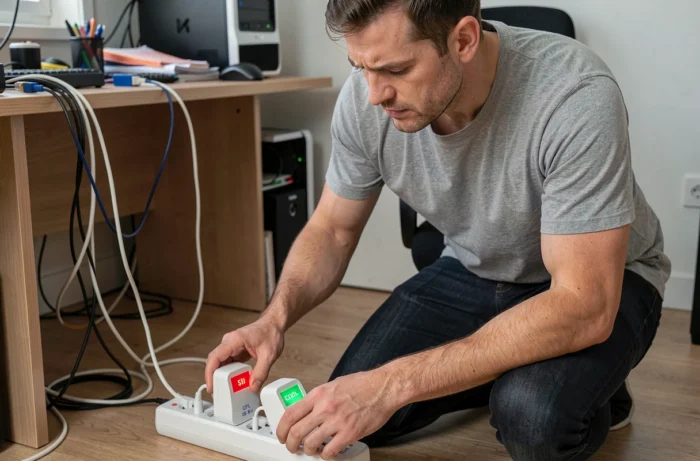
- Switch-mode phone or laptop chargers plugged into the same power strip or wall outlet as the powerline adapter
- Electric motors (vacuum cleaners, hair dryers, washing machines) that introduce interference when starting up or running
- Light dimmers, whose voltage modulation directly interferes with the powerline signal
- Uninterruptible power supplies (UPSs) and surge-protected power strips, which filter the powerline signal along with voltage spikes
To check whether a device is causing the problem, the most reliable method is to switch off the devices connected to the same circuit one at a time, checking each time whether the light changes from red to green or orange. Plugging the powerline adapter directly into a wall outlet (never into a power strip) can already eliminate a significant amount of interference.
Powerline adapter incompatibility: HomePlug and G.hn technologies
A red light that stays on as soon as the device is powered up, with no initial connection attempt, may indicate a technology compatibility issue. Not all powerline adapters use the same technology.
TP-Link notes that its products using G.hn technology do not work with HomePlug AV or AV2 adapters. Devolo, meanwhile, states that its Magic range (based on G.hn) is not compatible with its older dLAN models (based on HomePlug AV). These devices can look alike, making it easy to mix them up when replacing or adding an adapter.
Before mixing adapters from different brands or generations, check which technology they use (HomePlug AV, HomePlug AV2, or G.hn) in the specifications or on the device label. This can save you from troubleshooting a problem that does not actually exist.
Resetting and resynchronizing powerline adapters
If incompatibility has been ruled out and interference does not appear to be the cause, fully resetting the powerline network is the most effective next step. The process varies by manufacturer, but the basic steps are the same:
- Unplug both adapters from their wall outlets for at least ten seconds
- Plug in the adapter connected to the internet router first, then wait for its lights to stabilize
- Plug in the second adapter and start synchronization using the pairing button (often labeled “Pair” or “Connect”, or marked with a house icon)
If the red light persists after this, a full factory reset using the recessed button (accessible with a paper clip) may resolve a configuration conflict that has built up over successive updates or pairings.
When a red light indicates a powerline adapter hardware fault
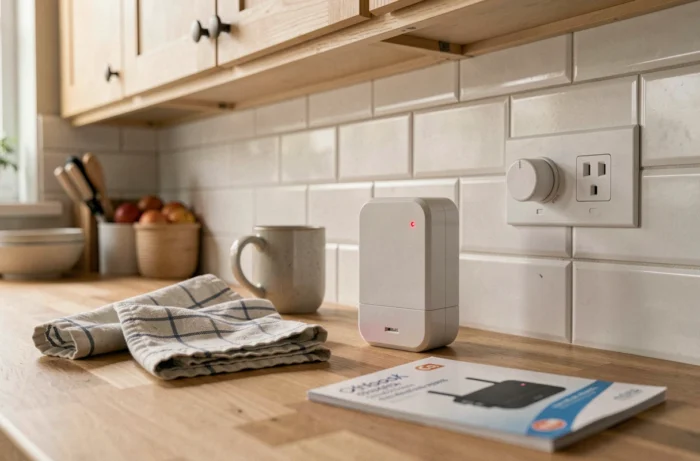
A red light that remains on after all the checks above (testing several wall outlets, eliminating interference, resetting the adapters, and confirming compatibility) points to a hardware fault. Powerline adapters contain electronic components exposed to voltage fluctuations and small power surges in the home. They do not last forever.
One telltale sign of a hardware fault is a red light that appears immediately when the device is powered up, before the adapter has even had time to search for a powerline signal. In this case, the device is no longer trying to synchronize, and no software-based troubleshooting will change the situation.
The manufacturer’s documentation for each model is the only reliable reference for interpreting a red light. A rapid blink does not mean the same thing as a steady light, and these codes vary from one manufacturer to another. Check the manufacturer’s support page using the exact model number (printed on the label on the back of the device) for a much more precise answer than any general-purpose forum can provide.